


Jiggit
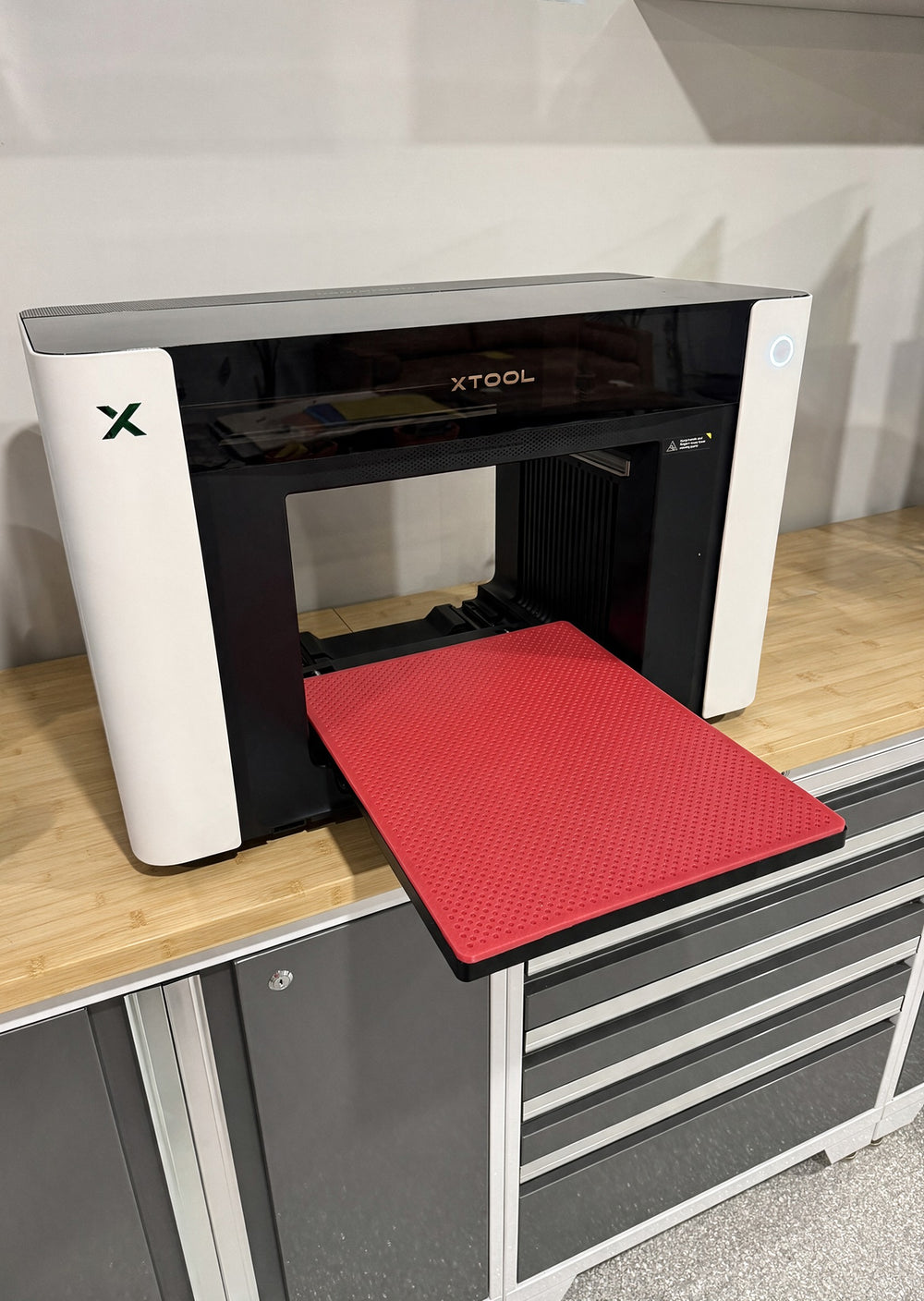
Jiggit is a silicone mat jig system for the xTool O1 Omni — two mats, nine jig designs and a precision hole grid for repeatable UV prints.

Jiggit
The Jiggit silicone mat jig system, built for the xTool O1 Omni 4-in-1 UV printer. Both mats ship with every order, and every bundle includes the digital files — choose whether the jigs also arrive printed and ready to use.
In the box
Both mats
- 1 × large silicone mat
- 1 × small silicone mat
In the box
No jigs included
- 1 × large silicone mat
In the box
No jigs included
- 1 × small silicone mat
Printed jigs included
72 jigs, printed and ready to use
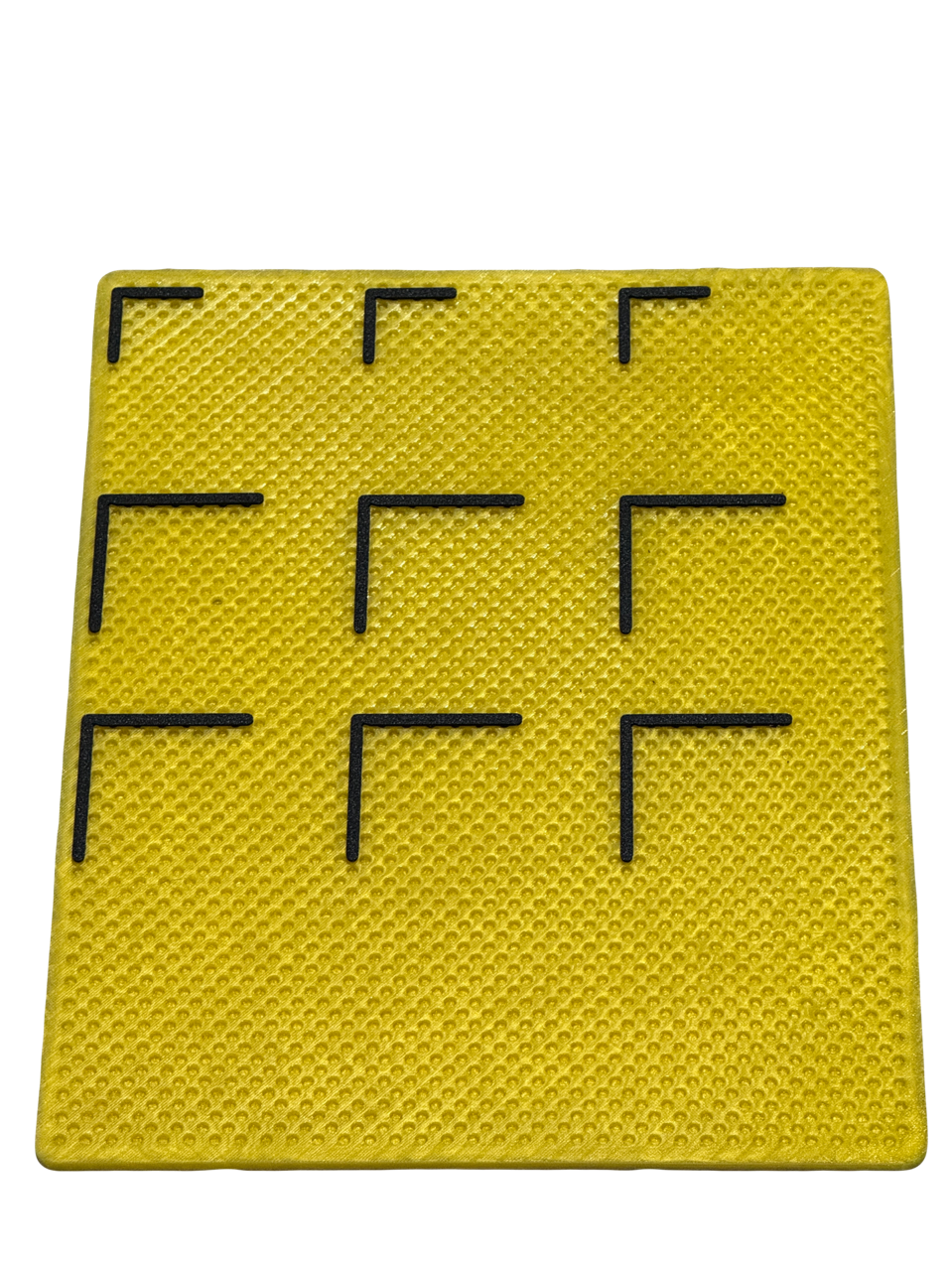
- 90° jig — Large (8), Medium (8), Small (8)
- Cam jig — Large (8), Medium (8), Small (8)
- Straight jig — Large (8), Medium (8), Small (8)
Digital files
All nine jigs as files — print as many as you like
- 90° jig — Large, Medium, Small
- Cam jig — Large, Medium, Small
- Straight jig — Large, Medium, Small
ZIP · 9 STEP files · 292 KB
Charged today. Cancel any time before dispatch for a full refund.
Why it works
Precision hole grid
5 mm holes on a 10 mm pitch, each row offset by 5 mm — the same reference points, edge to edge across the bed.
Modular fixtures and cam locks
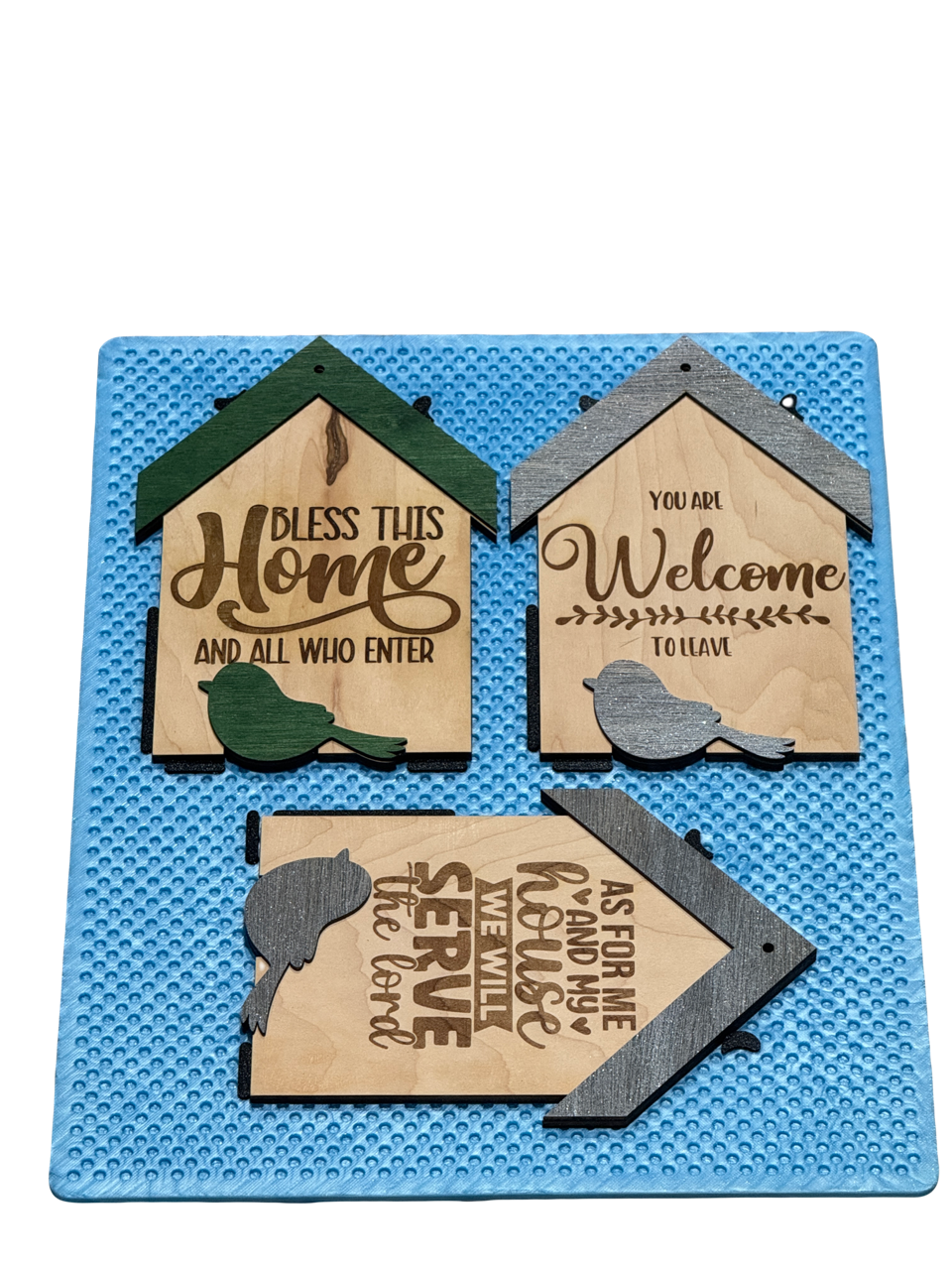
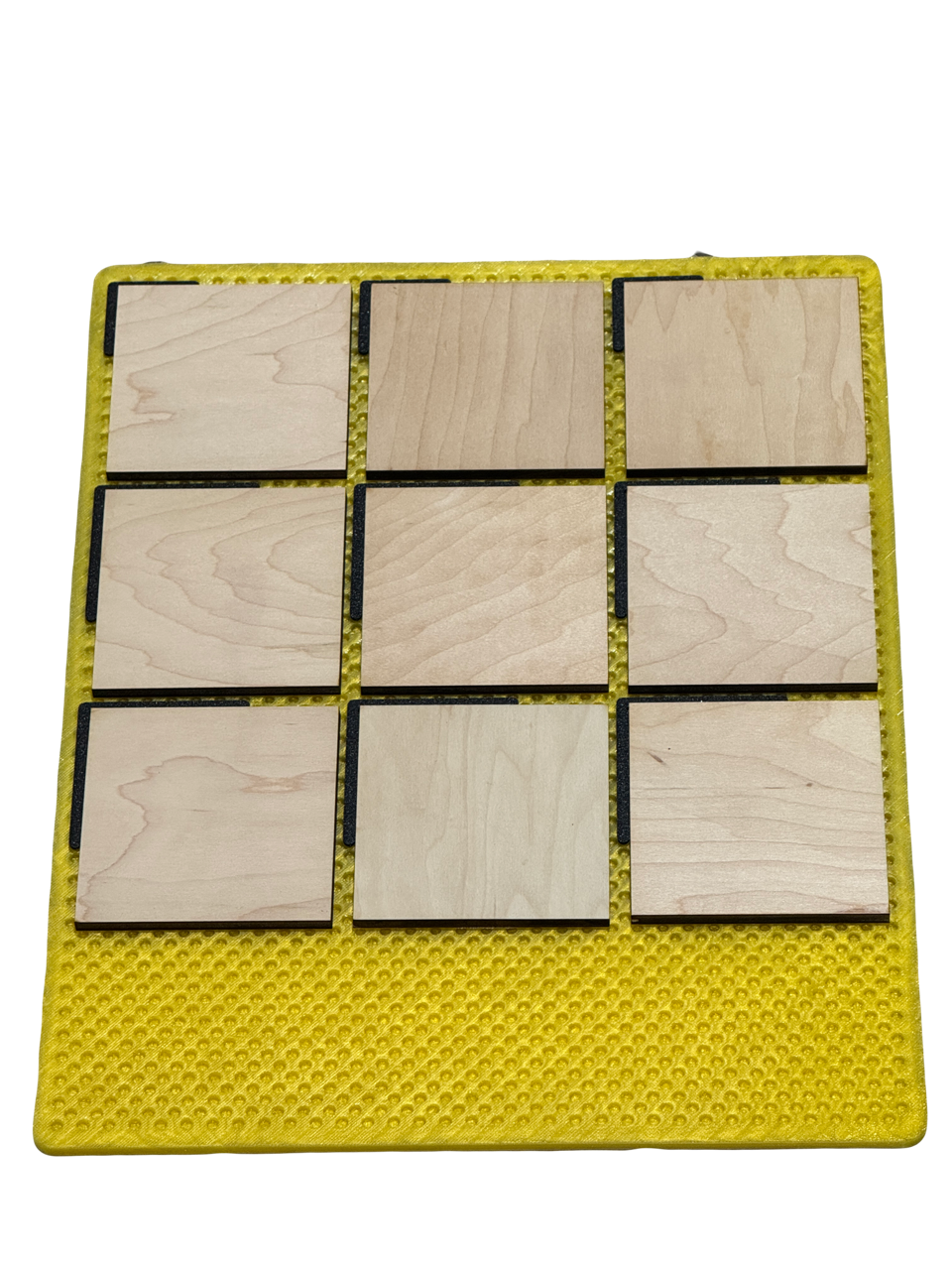
Flat, thin, tall, round or irregular — hold it steady without cutting a new bed-sized jig for every job.
High-grade silicone
Flexible, tough, and unbothered by UV overspray. Built to last the life of the machine, not the run.
Repeatability, built in
Once a setup works, it keeps working. Print, lift the part out, drop in a blank, print again. Industrial workflow on a desktop machine.
Jiggit in use
Specifications
| Designed for | xTool O1 Omni |
|---|---|
| Printer type | 4-in-1 — UV, UV DTF, DTG and DTF |
| O1 Omni bed sizes | Standard 13" × 4.8" (330 × 122 mm) · Large 13" × 16.5" (330 × 420 mm) |
| Jiggit system contents | 2 silicone mats + 72 printed jigs (9 designs, 8 of each) + the nine digital files |
| Jigs in the system | 90°, cam and straight — each in large, medium and small |
Setup and installation
Six steps, then you're printing.
-
Fit the bed
Seat the print bed into the machine as you normally would.
-
Clear it and lay the mat
Take everything off the bed, then lay the Jiggit mat down flat.
-
Square it up
Line the Jiggit mat up square against the edges of the bed.
-
Load your jigs
Drop the jigs you need into the Jiggit mat.
-
Place your blank
Set your blank into the jigs.
-
Start the print
Run the job as you normally would.
Cleaning & use
Overspray removes easily
Fingernail peel
Catch an edge with a fingernail and it lifts straight off.
Flex the mat
Bend the silicone and the overspray releases on its own.
Wash it
Warm water is all it takes. Rinse, dry, and it's ready for the next run.
Questions
Which machine is this for?
Jiggit is designed for the xTool O1 Omni — the 4-in-1 machine that handles UV, UV DTF, DTG and DTF printing.
What's the difference between the four options?
Mats + printed jigs — both mats plus all nine jig designs already 3D printed and ready to use, eight of each, and the digital files so you can print more yourself.
Mats + digital files — both mats plus the same nine designs as digital files you print yourself, as many as you like.
Large mat only and Small mat only — a single mat on its own, with no jigs of either kind.
Do the printed jigs come with the digital files too?
Yes. The Mats + printed jigs option ships all 72 jigs already made and includes the same nine digital files, so you can print more whenever you want.
Can I reprint a jig if it wears out?
Yes — both bundles come with the digital files, so you can reprint any jig as often as you like. Mat-only orders don't include files or jigs.
When will my preorder ship?
Orders ship by 30 September 2026. Preorders are charged today, and you can cancel any time before dispatch for a full refund.
Why is it cheaper right now?
Preorder pricing is discounted and rises to full price on release. Single mats are not discounted.
How do I receive the digital files?
Your files are emailed the moment your payment completes — a secure download link with all nine jig designs.
That's deliberate. Print your jigs while the mats are still in production, and you can start working the day they arrive.
The designs are supplied as STEP CAD files. PrusaSlicer, Bambu Studio and OrcaSlicer import STEP directly. Cura doesn't read STEP, so if that's your slicer you'll need to convert the files first.